Posted: Wed Feb 15, 2012 9:59 am
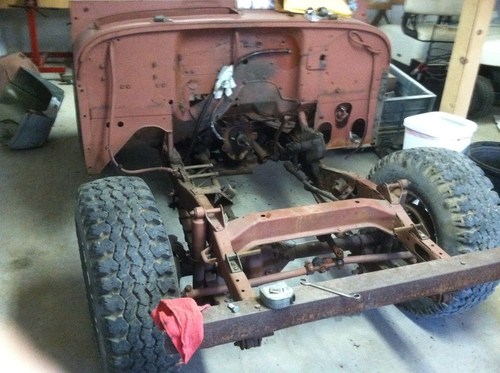
You have correctly loaded the three photos up to your photo album. They are now web hosted in that album. When you are making a post here and want a photo displayed you must click on the Img above and then go to your photo album (this is easier if you open your photo album in a new tab or new window so you can work with your album and your message post at the same time) right click on the photo you want to use and then left click on the drop down menu "Copy image url" . Now go back to the message post and right click just to the left side of the "Img" and then left click on "Paste" in the drop down menu. Then go to the top of message box and click the second time on the "Img/" . You will end up with this:
[Img] your image's url [Img/]
Note: when you are selecting photos from your album you can use your photos from your album in the small thumb nail size by using it's url or click on the thumb nail photo and the larger version will appear and you can copy it's url and post it.
[Img] your image's url [Img/]
Note: when you are selecting photos from your album you can use your photos from your album in the small thumb nail size by using it's url or click on the thumb nail photo and the larger version will appear and you can copy it's url and post it.